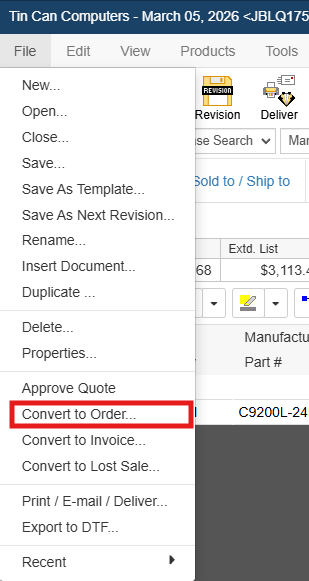
Once a customer accepts a quote, you can choose to convert the quote document to an order document. You can convert your quote to an order by selecting the File -> Convert to Order menu.
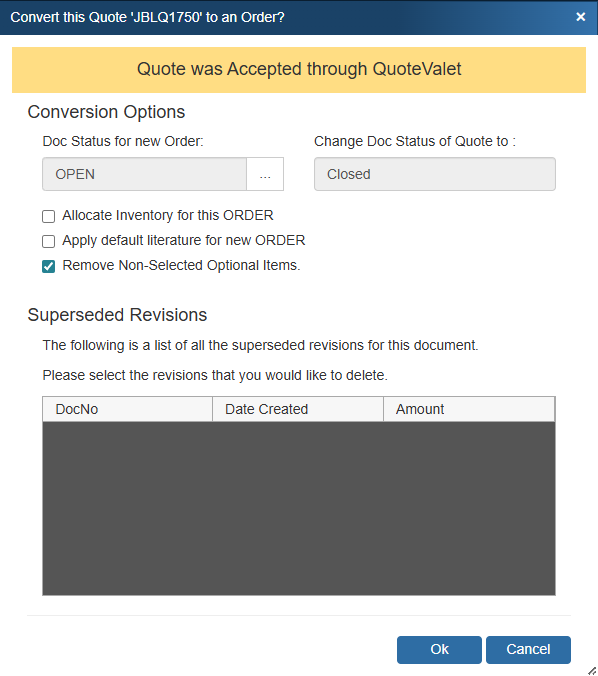
Converting a quote to an order in QuoteWerks is important so that in reports you can distinguish quotes from orders. For example, you can create management reports to include only open quotes (and not orders) during the month of November. This will enable you to have a snapshot of the current quoting pipeline.
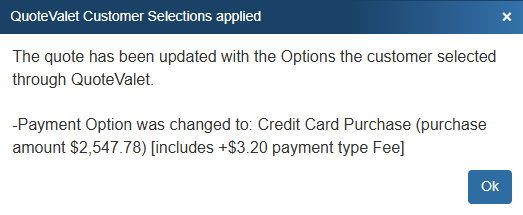
Alternatively, when a customer accepts a quote on QuoteValet you will be prompted to convert the quote to an order when you click on the QuoteValet tab.